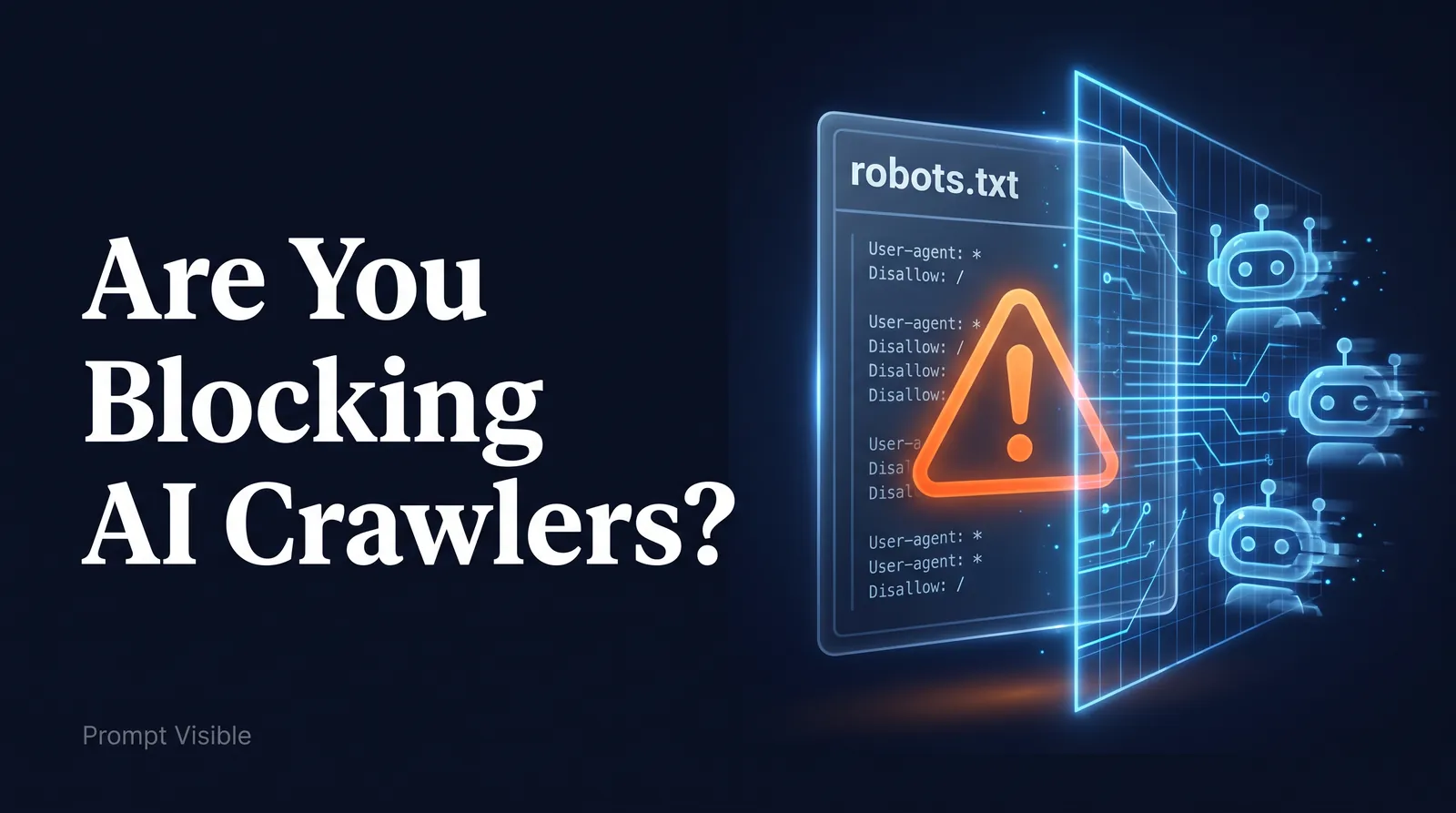
Imagine spending thousands of dollars on content marketing, only to lock the door when the most important readers try to visit. That is what happens when a site blocks AI crawlers without meaning to. In an effort to protect their data or simply due to outdated server configurations, companies are accidentally blocking AI crawlers from accessing their websites.
If ChatGPT, Perplexity, and Claude cannot read your site, they cannot cite your brand. You are effectively invisible in the era of AI search. Here is how to check if you are blocking the bots, and how to fix it.
The Great Bot Blockade
In 2023 and 2024, there was a massive wave of publishers and businesses updating their robots.txt files to block AI companies from scraping their content for training data.
At the time, this made sense. But the landscape has shifted. AI is no longer just a training mechanism; it is a primary search and discovery engine. By blocking AI bots today, you aren't just protecting your IP—you are blocking potential customers who use AI to find products and services.
How AI Crawlers Work
When a user asks Perplexity or ChatGPT a question that requires real-time information, the AI engine deploys a crawler to scan the live web for answers.
These crawlers identify themselves using specific User-Agents. The most common ones you need to know are:
GPTBot(OpenAI / ChatGPT)OAI-SearchBot(OpenAI's dedicated search crawler)ClaudeBot(Anthropic)PerplexityBot(Perplexity AI)Google-Extended(Google's AI features)
When these bots hit your server, the first thing they check is your robots.txt file. If they see a "Disallow" directive, they turn around and leave. The AI engine will then formulate its answer using your competitors' websites instead.
How to Check Your robots.txt File
Checking your configuration is simple.
- Open your web browser.
- Type your domain name followed by
/robots.txt(e.g.,https://yourdomain.com/robots.txt). - Look for the User-Agents listed above.
If you see something like this, you are blocking OpenAI from reading your site:
User-agent: GPTBot
Disallow: /
To allow AI crawlers, you either need to remove the specific Disallow directives for these bots, or explicitly Allow them if your default setting blocks all unknown agents.
The Hidden Culprit: Web Application Firewalls (WAF)
Sometimes, your robots.txt file looks perfectly fine, but AI crawlers are still failing to reach your site. The culprit is often your Web Application Firewall (WAF), such as Cloudflare or AWS Shield.
Many WAFs have "Bot Fight Mode" or automated security rules that aggressively block anything they don't recognize as a standard human browser or a legacy Google bot. You must review your server-level security settings and ensure that the IP ranges and User-Agents for major AI platforms are whitelisted.
Don't Guess. Test It.
Technical SEO for AI is unforgiving. One misconfigured line in robots.txt, or one firewall rule, can keep every AI crawler out while your site looks perfectly normal to you.
Check the file and your firewall with the steps above first. Then see whether the assistants name you: Run the free AI visibility check. We ask ChatGPT, Claude, Perplexity and Gemini one question your customers ask and show you who they named. It doesn't include a fix list. For the wider checklist, read the technical foundations guide.